Official KUNAI DUELS Links
Play the game, follow DOZER Games and Delus, then return to wiki guides.
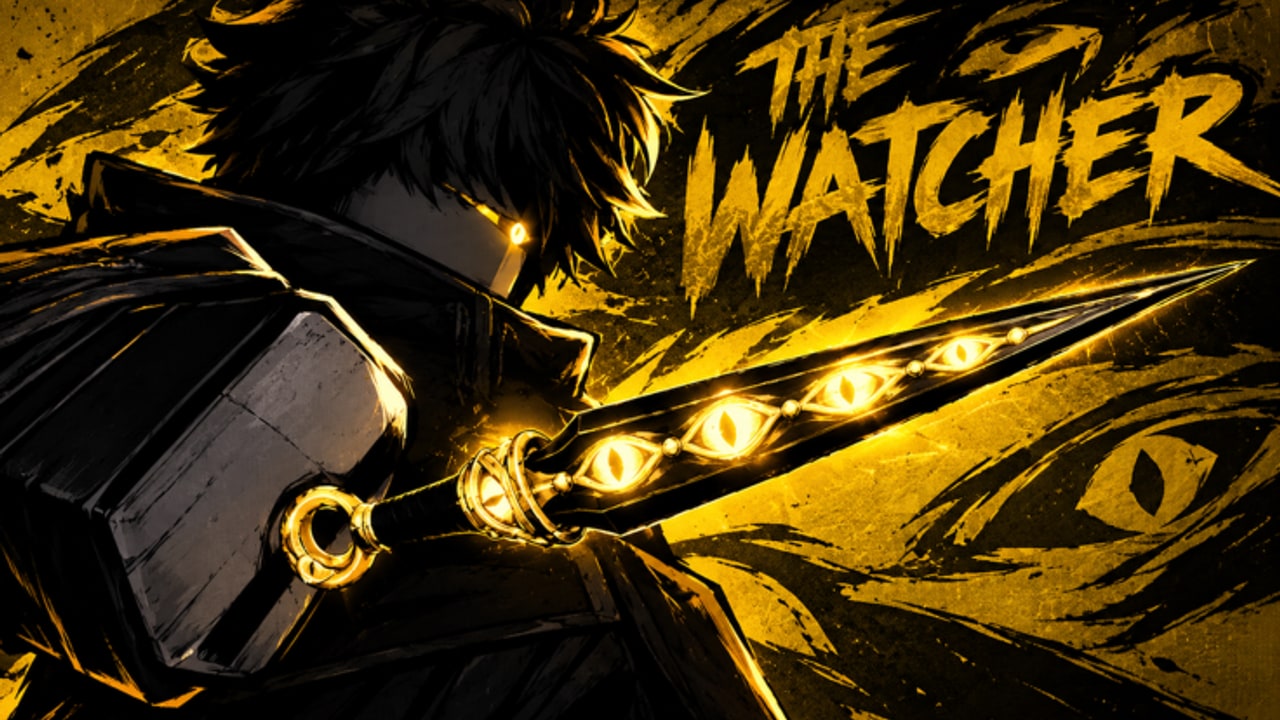
This Links Hub collects trusted destinations for KUNAI DUELS on Roblox so you do not rely on random Discord forwards. The experience is developed by the DOZER Games group with creator Delus (@DelusRblx). Place ID 122774050468023 / Universe 10770316327 identify the live arena shooter known for wall-runs, slides, leaps, and one-hit rounds.
Everything below is either official or this fan wiki’s own navigation. We are not affiliated with DOZER Games or Roblox.
Play KUNAI DUELS
- KUNAI DUELS on Roblox — join via duel pad or PLAY DUELS after you load in
- Supported on PC, phone, tablet, and controller
- Genre focus: Shooter / Deathmatch throwing PvP
- Server size about 34 players
- Maturity: Mild Violence
New to the lobby? Read Getting Started and How to Play before long queues.
Creators and socials
- Creator on X: Delus (@DelusRblx) — patch teases, gameplay clips, and community replies
- Creator Roblox profile: Delus user profile
- Studio credit: DOZER Games (Roblox group). Open the group from the experience’s creator attributions on the game page when you need group shouts or allies.
Follow Delus for the fastest signal when codes, seasonal tags, or balance changes appear. Cross-check rumors against those posts before you trust a screenshot.
Essential wiki destinations
Use these internal hubs instead of bookmarking twenty random threads:
- Codes Hub — official status vs unverified community strings
- Scripts Hub — community tool documentation with permanent-ban warnings
- Tier List Hub — modes, playstyles, and skin priority
- Guides Hub — full tutorial index
- Players Hub — wins, kills, streak climbing
- Updates Hub — October 2026 launch and November patches
Guide deep dives worth starring:
Safety links mindset
When someone DMs a “backup Discord,” “free serial kunai site,” or “executor key login,” compare the URL to this page. Real progress loops live in-game: dailies, challenges, cases, and fair duels. Cheating or farming with alts still equals a permanent ban with no appeals — details on Scripts Hub and Players Hub.
Never share passwords, session cookies, or authentication codes. This wiki will never ask for them.
How to cite the game
If you create clips or guides of your own, credit KUNAI DUELS, DOZER Games, and Delus, and link the official Roblox experience. Mention that ranks, visits, and favorites change over time (community snapshots have noted roughly 4.6M+ visits and 7.8k+ favorites).
Related reading
- Getting Started — first-hour plan
- Updates Hub — what changed since launch
- Codes Hub — redemption watch list
Bookmark this Links Hub beside the Roblox play button. When friends ask where to follow the developers, send @DelusRblx and the official game page first, then point them at the Guides Hub to learn wall-runs the fair way.
Frequently Asked Questions
Quick answers for duelists learning KUNAI DUELS.
What is the official KUNAI DUELS Roblox link?
Use the Roblox experience page for place ID 122774050468023 (KUNAI DUELS). It is linked at the top of this Links Hub.
Who made KUNAI DUELS?
DOZER Games develops the experience; creator Delus (@DelusRblx) is the public face for updates and clips.
Is this wiki official?
No. This is an unofficial fan resource. For announcements, prefer the Roblox game page, DOZER Games group shouts, and Delus on X.
Where should I go for codes or scripts?
Use the Codes Hub for promo status and the Scripts Hub for informational tool notes with ban warnings. Do not trust random DMs.
Does the game support consoles and mobile?
KUNAI DUELS supports PC, phone, tablet, and controller play. Learn lobby flow in How to Play, then tune sensitivity on your device.